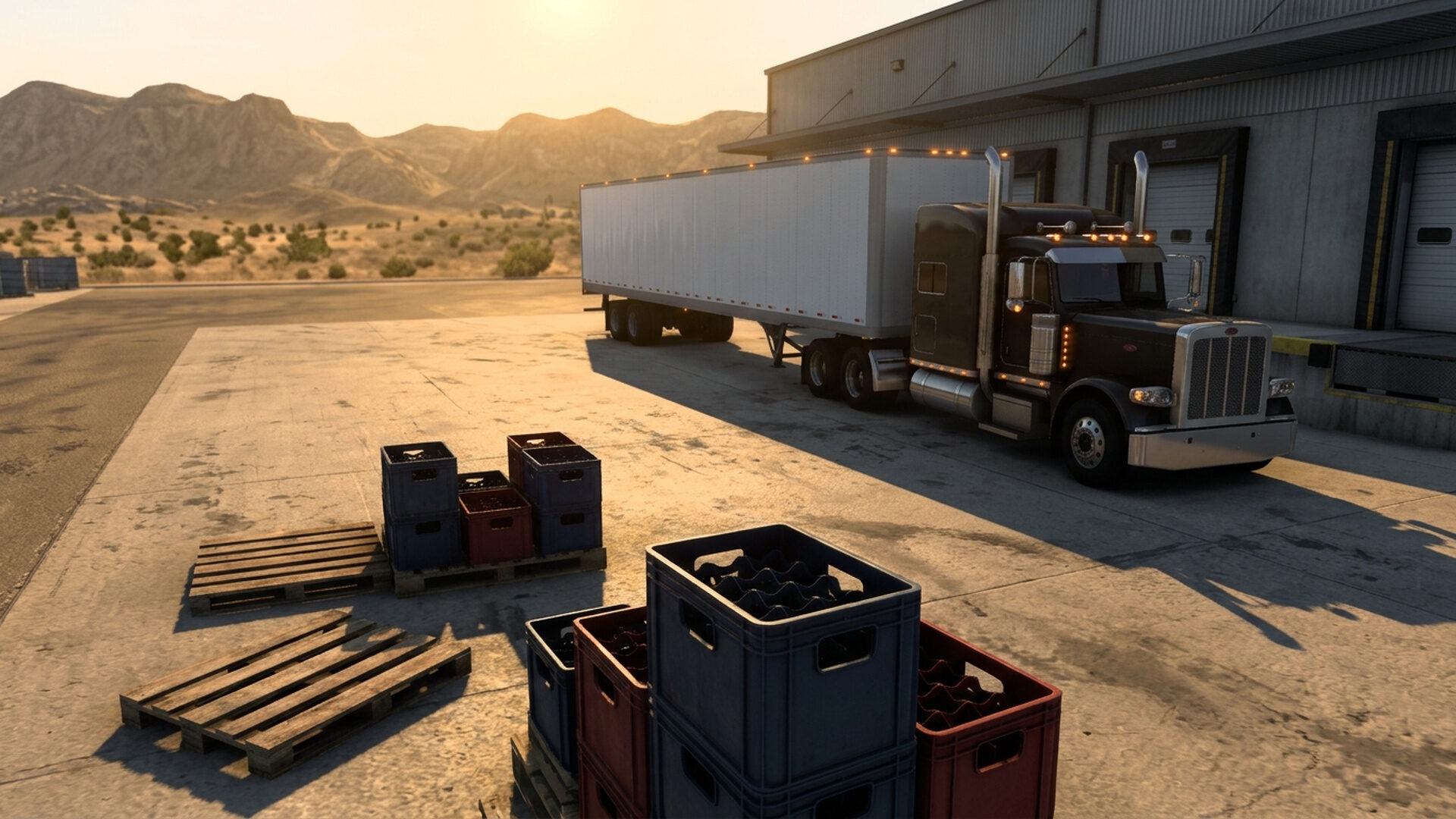
Return Freight: Racks, Cages & Crates v1.0 for American Truck Simulator
Give your dry van a load for the trip back from the store. Look for Empty Beverage Crates at Eddy’s or a Wallbert food market. Sell Goods and Wallbert food warehouses are among the receivers. Each backhaul appears as a separate Cargo Market offer, so you can choose one that fits your route.
=== SIX BACKHAUL LOADS ===
Empty Automotive Parts Racks, Nested Roll Cages, Empty Beverage Crates, Folded Produce Bins, Empty Distribution Totes and Folded Pallet Collars.
Each load has its own cargo icon, weight and volume per unit, loading time and freight rate. Shippers and receivers are matched to the type of packaging. For example, a Wallbert food warehouse can send folded produce bins back to Bushnell Farms.
=== COMPATIBILITY & INSTALLATION ===
Target versions: ATS 1.50–1.62.x. Archive integrity and cargo references have been checked. In-game deliveries and Convoy sessions still need testing.
1. Copy the ATS ZIP into Documents/American Truck Simulator/mod and leave it zipped.
2. Activate Return Freight in Mod Manager and confirm your changes.
3. Attach your own dry van. Open Job Market > Cargo Market and check participating companies as offers refresh.
Convoy: For a shared return load, the host and all participating drivers should enable the same ATS release.
Credits:
RealisticSimMods
DOWNLOAD 416.04 KB